Adobe Illustrator Online Live Class by Experts
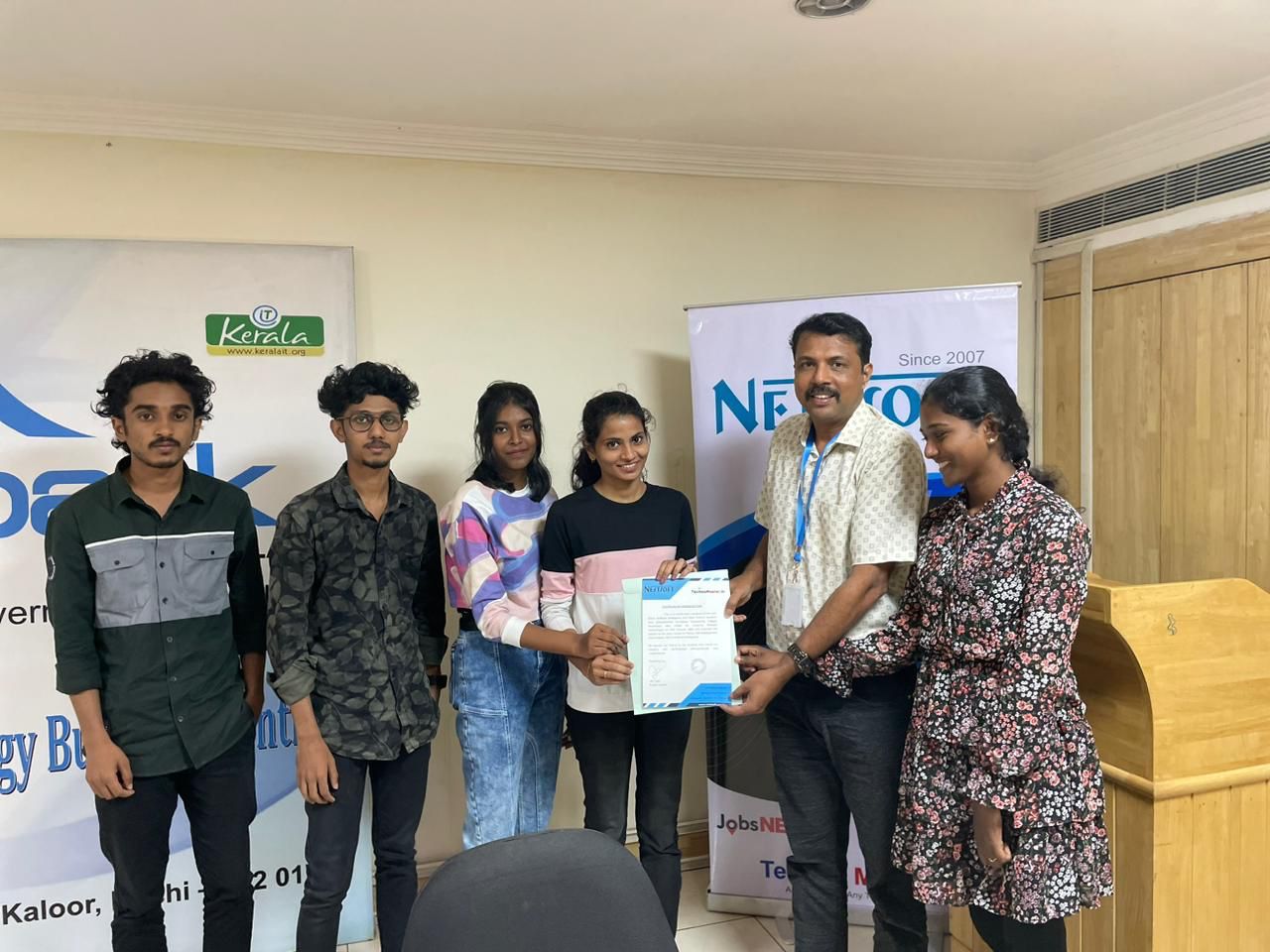
Our Training/Internship Process

Adobe Illustrator - Syllabus, Fees & Duration
- Overview of Vector Graphics vs. Raster Graphics
- Illustrator Interface and Navigation
- Artboards and Workspaces
- Tools Panel and Properties Panel
- Creating and Saving Documents
- Understanding File Formats (AI, EPS, SVG, PDF)
- Shapes and Paths
- Rectangle, Ellipse, Polygon, Line tools
- Working with Fill and Stroke
- Pen Tool Basics
- Drawing and Editing Paths
- Anchor Points and Handles
- Using the Pencil and Brush Tools
- Understanding the Color Panel
- RGB vs. CMYK Modes
- Swatches and Global Colors
- Gradients and Gradient Mesh
- Applying Transparency and Blending Modes
- Creating and Formatting Text
- Character and Paragraph Panels
- Converting Text to Outlines
- Text on a Path and Text Wrap
- Layers Panel Overview
- Grouping and Ungrouping Objects
- Locking, Hiding, and Rearranging Layers
- Clipping Masks
- Using Guides, Grids, and Smart Guides
- Pathfinder and Shape Builder Tools
- Using the Appearance Panel
- Applying Effects (Drop Shadow, Outer Glow, etc.)
- Working with Symbols
- Creating Patterns
- Image Trace Tool
- Creating and Using Clipping Masks
- Opacity Masks for Advanced Effects
- Preparing Artwork for Print vs. Digital
- Exporting File Formats (PNG, SVG, PDF, etc.)
- Packaging Files for Clients or Printers
- Creating a Simple Logo Design
- Designing a Business Card or Poster
- Applying Learned Skills to a Practical Task
Module 1: Introduction to Illustrator (1.5 hrs)
Module 2: Basic Drawing Tools (2 hrs)
Module 3: Colors and Gradients (1.5 hrs)
Module 4: Working with Text (1.5 hrs)
Module 5: Layers and Organizing Artwork (1.5 hrs)
Module 6: Advanced Tools and Effects (2 hrs)
Module 7: Image Tracing and Masking (1.5 hrs)
Module 8: Exporting and Finalizing Projects (1.5 hrs)
Module 9: Hands-on Project (2 hrs)
This syllabus is not final and can be customized as per needs/updates
- Since 2001, Making IT Experts by Experts
- Duration: 15 Hours (Vary as per your skill)
- Course Fees
- Individual Live Classes (1:1)
- Batch Classes @ Low Fees
- Training on Your Time, Any Where
- Access to Recorded Videos
- Practical Internship on Projects
- 100% Placement Support by our jobsNEAR.in
- Training/Internship Certificate
- Agra
- Ahmedabad
- Alappuzha
- Aurangabad
- Bangalore
- Belgaum
- Bellary
- Bhubaneswar
- Chennai
- Cochin
- Coimbatore
- Delhi
- Dindigul
- Erode
- Gulbarga
- Guntur
- Gurgaon
- Haryana
- Hyderabad
- Idukki
- Indore
- Jaipur
- Kalyan
- Kannur
- Kanpur
- Kasaragod
- Kerala
- Kolkata
- Kollam
- Kottayam
- Kozhikode
- Lucknow
- Madurai
- Malappuram
- Mangaluru
- Mumbai
- Mysuru
- Nagpur
- Nashik
- Navi Mumbai
- Nizamabad
- Noida
- Palakkad
- Pathanamthitta
- Pune
- Punjab
- Salem
- Shimla
- Solapur
- Surat
- Thane
- Thanjavur
- Thirunelveli
- Thoothukudi
- Thrissur
- Tiruchirappalli
- Tiruppur
- Trivandrum
- Vadodara
- Varanasi
- Vellore
- Vijayawada
- Visakhapatnam
- Wayanad
Course Highlights

Our Locations

 you'll be able to use it to create web and print images and therefore the user interface is useful. you will learn all illustrator tools and techniques abundant from basics to advanced. Nestsoft makes sure that the gap between the lecturers and also the industry standards & Demands are filled by learning an illustrator style Course with us. Most of the print and screen designers use illustrator to make styles and artwork. This provides you the advantage of getting hands-on experience on illustrator projects whereas you are still learning. The illustrator CC interface contains the tools, panels, menu, command, document, window, and artboards you will use when creating or editing an illustrator document. Attain hands-on coaching via live projects with our team. you can use Adobe artist on all computer systems so long as the operating system is updated. There are various further capabilities to be had to modify the graphics being created via this method also. Our distinctive approach of coaching students into figures involves you working on live projects.