Adobe Premier Pro CC Online Live Class by Experts
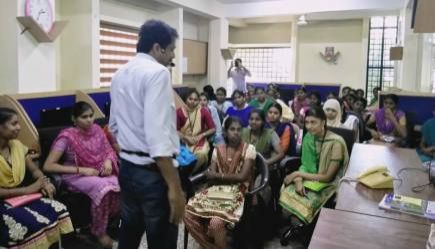
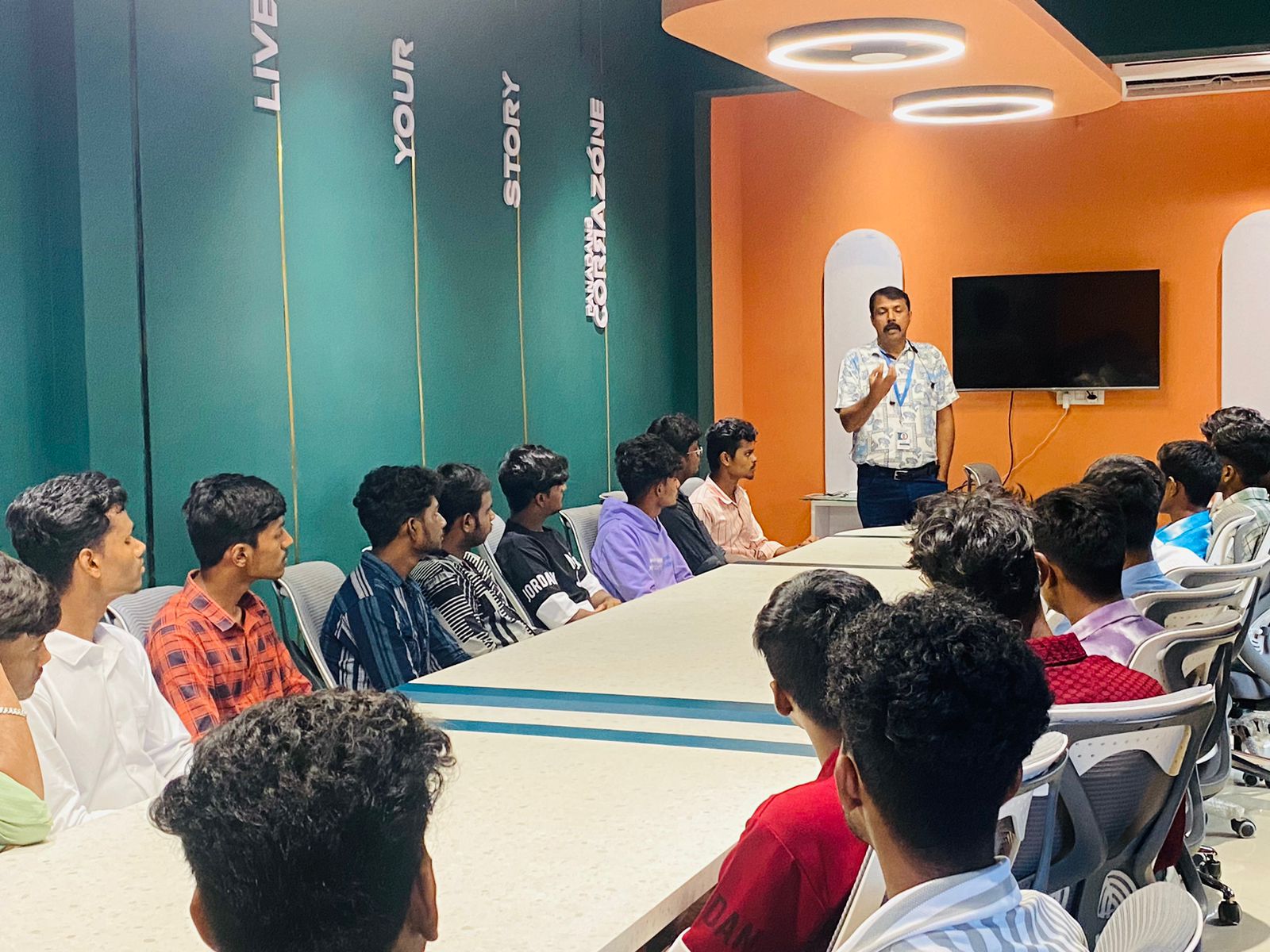
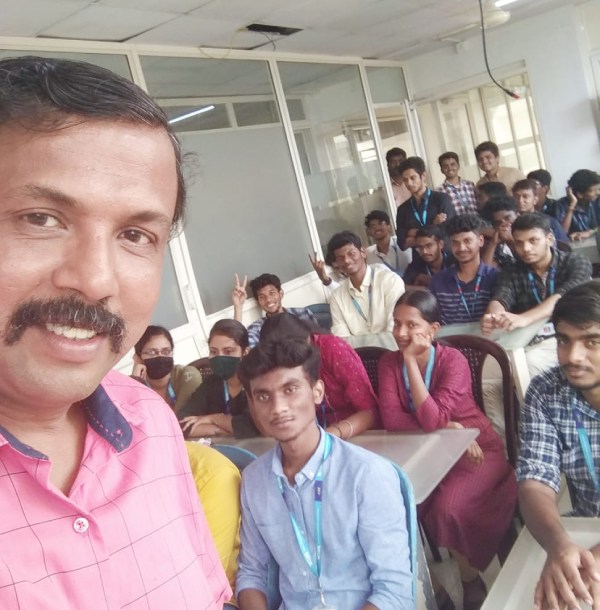
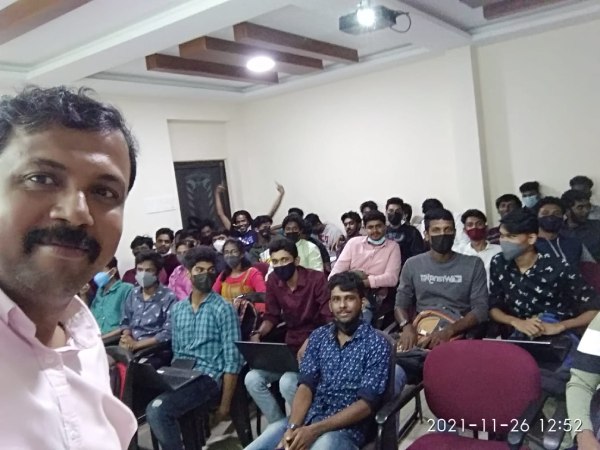
Our Training/Internship Process

Adobe Premier Pro CC - Syllabus, Fees & Duration
- Overview of Premiere Pro and its applications
- Interface tour: Workspace, Timeline, Source Monitor, and Program Monitor
- Setting up a new project: Sequence settings and file organization
- Importing media: Video, audio, and graphics
- Keyboard shortcuts for efficient editing
- Adding clips to the timeline and trimming
- Working with the Razor tool for cutting clips
- Using the Ripple Edit and Rolling Edit tools
- Understanding the timeline: Tracks, markers, and snapping
- Adjusting clip speed: Slow motion and fast motion
- Importing and editing audio files
- Adjusting audio levels and keyframes
- Applying audio effects and transitions
- Using the Essential Sound panel for audio cleanup
- Syncing audio and video
- Applying video transitions: Cut, dissolve, and wipe
- Using the Effects panel: Blur, color effects, and distortions
- Keyframing for animation effects
- Adding and adjusting motion: Position, scale, and rotation
- Introduction to nested sequences
- Understanding Lumetri Color panel
- Adjusting exposure, contrast, and saturation
- Using color wheels and curves for grading
- Creating and applying LUTs (Look-Up Tables)
- Matching colors between clips
- Adding and customizing text with the Essential Graphics panel
- Creating lower thirds and animated titles
- Adding captions or subtitles
- Export settings: File formats and presets (H.264, 4K, etc.)
- Rendering and exporting the final video
Module 1: Introduction to Premiere Pro (1 Hour)
Objective: Familiarize students with Premiere Pro’s interface and basic setup.
Practical: Create a new project and import media files.
Module 2: Basic Video Editing Techniques (2 Hours)
Objective: Learn essential tools and techniques for video editing.
Practical: Assemble and edit a short video sequence.
Module 3: Audio Editing and Enhancements (1.5 Hours)
Objective: Understand and apply audio editing techniques.
Practical: Add background music and adjust audio levels for a video.
Module 4: Transitions and Effects (1.5 Hours)
Objective: Enhance videos with transitions and effects.
Practical: Apply transitions and effects to a video sequence.
Module 5: Color Correction and Grading (1.5 Hours)
Objective: Learn color correction and grading techniques.
Practical: Perform color correction and grading on a provided video.
Module 6: Titles, Graphics, and Exporting (2.5 Hours)
Objective: Create professional titles and graphics and export the final video.
Practical: Create an end-to-end video project with titles, transitions, and audio, then export it.
This syllabus is not final and can be customized as per needs/updates
- Since 2001, Making IT Experts by Experts
- Duration: 10 Hours (Vary as per your skill)
- Course Fees
- Individual Live Classes (1:1)
- Batch Classes @ Low Fees
- Training on Your Time, Any Where
- Access to Recorded Videos
- Practical Internship on Projects
- 100% Placement Support by our jobsNEAR.in
- Training/Internship Certificate
- Agra
- Ahmedabad
- Alappuzha
- Aurangabad
- Bangalore
- Belgaum
- Bellary
- Bhubaneswar
- Chennai
- Cochin
- Coimbatore
- Delhi
- Dindigul
- Erode
- Gulbarga
- Guntur
- Gurgaon
- Haryana
- Hyderabad
- Idukki
- Indore
- Jaipur
- Kalyan
- Kannur
- Kanpur
- Kasaragod
- Kerala
- Kolkata
- Kollam
- Kottayam
- Kozhikode
- Lucknow
- Madurai
- Malappuram
- Mangaluru
- Mumbai
- Mysuru
- Nagpur
- Nashik
- Navi Mumbai
- Nizamabad
- Noida
- Palakkad
- Pathanamthitta
- Pune
- Punjab
- Salem
- Shimla
- Solapur
- Surat
- Thane
- Thanjavur
- Thirunelveli
- Thoothukudi
- Thrissur
- Tiruchirappalli
- Tiruppur
- Trivandrum
- Vadodara
- Varanasi
- Vellore
- Vijayawada
- Visakhapatnam
- Wayanad
Course Highlights

Our Locations

 today it's widely used across the world for each kind of production from business & promoting videos, music videos to documentaries, feature films.
. it is widely used for film and tv to edit Motion photos. The Adobe Premiere Pro CC - essentials training course teaches you the way to best Premiere pro for your projects. Contact us for additional details
. This full course is the most effective way to jump right in and start editing. in this contemporary world, Premier pro is a powerful tool for editing videos. Nestsoft offers often scheduled Premiere pro online live ca. Adobe team members can share their work with others which creates a simple workflow with no interruptions. It is used in the main Video and film editors and post-production professionals, Motion graphics designers, etc.
today it's widely used across the world for each kind of production from business & promoting videos, music videos to documentaries, feature films.
. it is widely used for film and tv to edit Motion photos. The Adobe Premiere Pro CC - essentials training course teaches you the way to best Premiere pro for your projects. Contact us for additional details
. This full course is the most effective way to jump right in and start editing. in this contemporary world, Premier pro is a powerful tool for editing videos. Nestsoft offers often scheduled Premiere pro online live ca. Adobe team members can share their work with others which creates a simple workflow with no interruptions. It is used in the main Video and film editors and post-production professionals, Motion graphics designers, etc.