Flutter Online Live Class by Experts
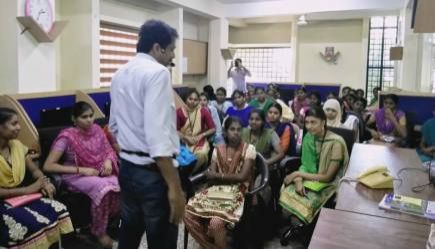
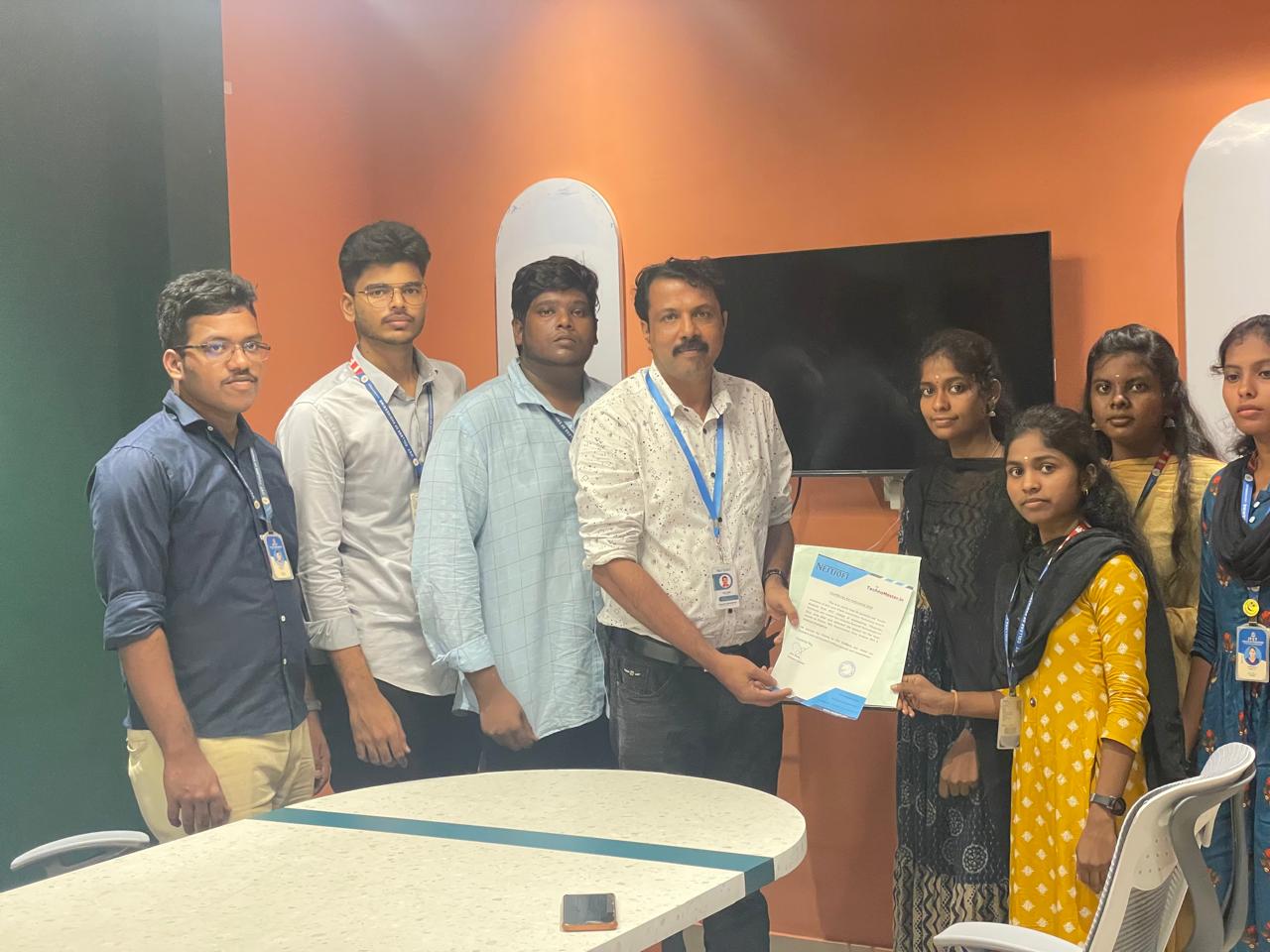
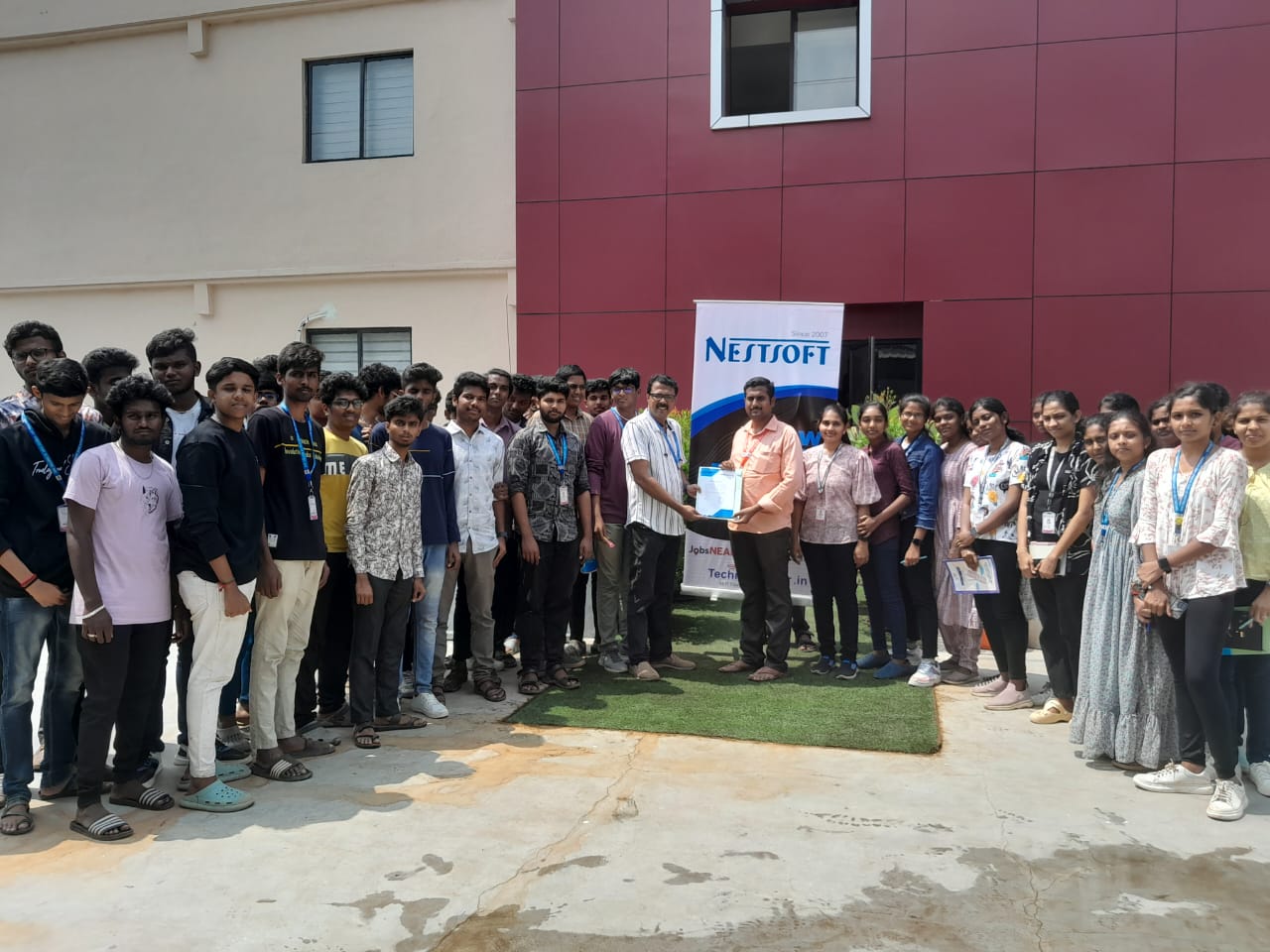
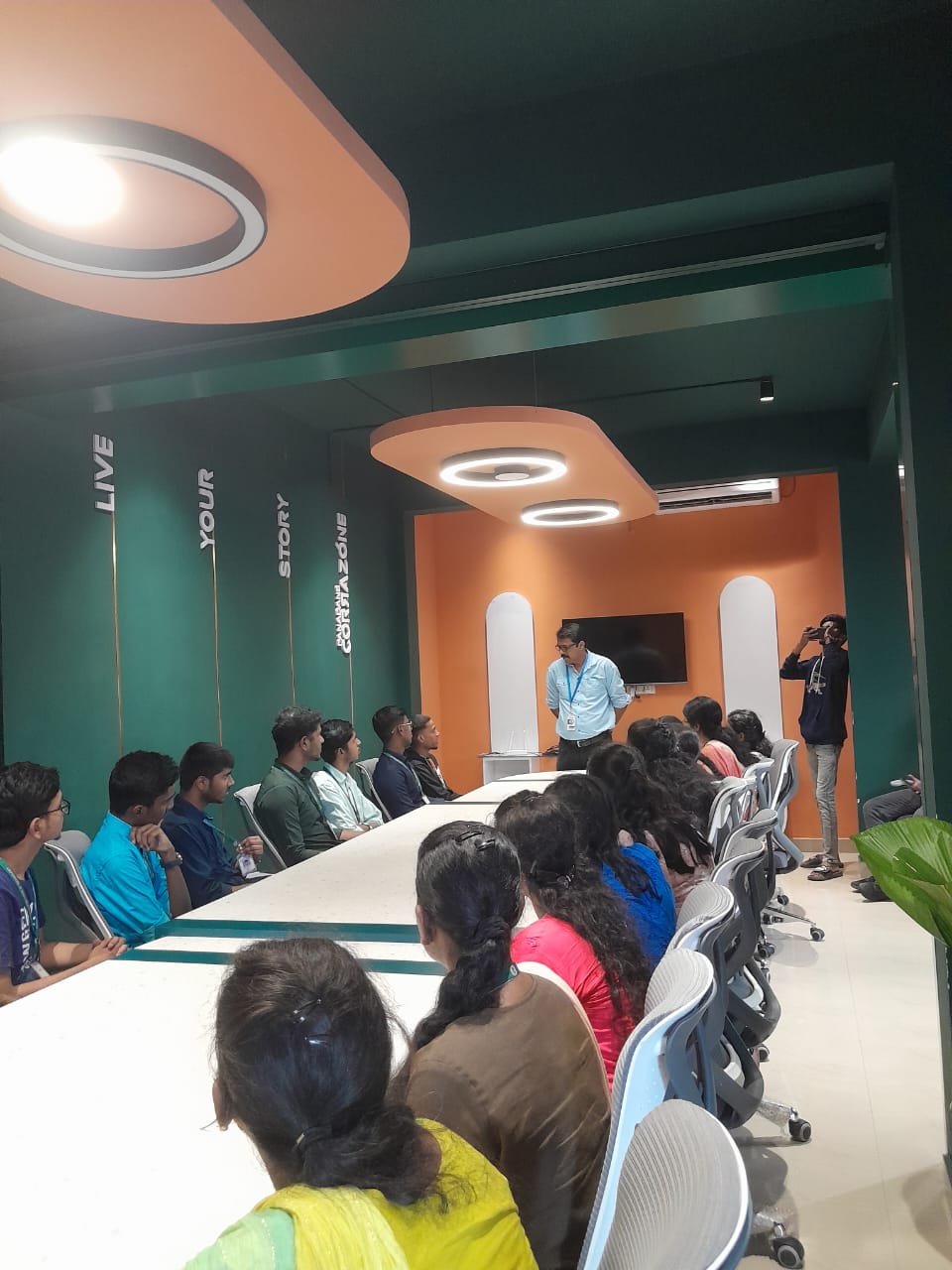
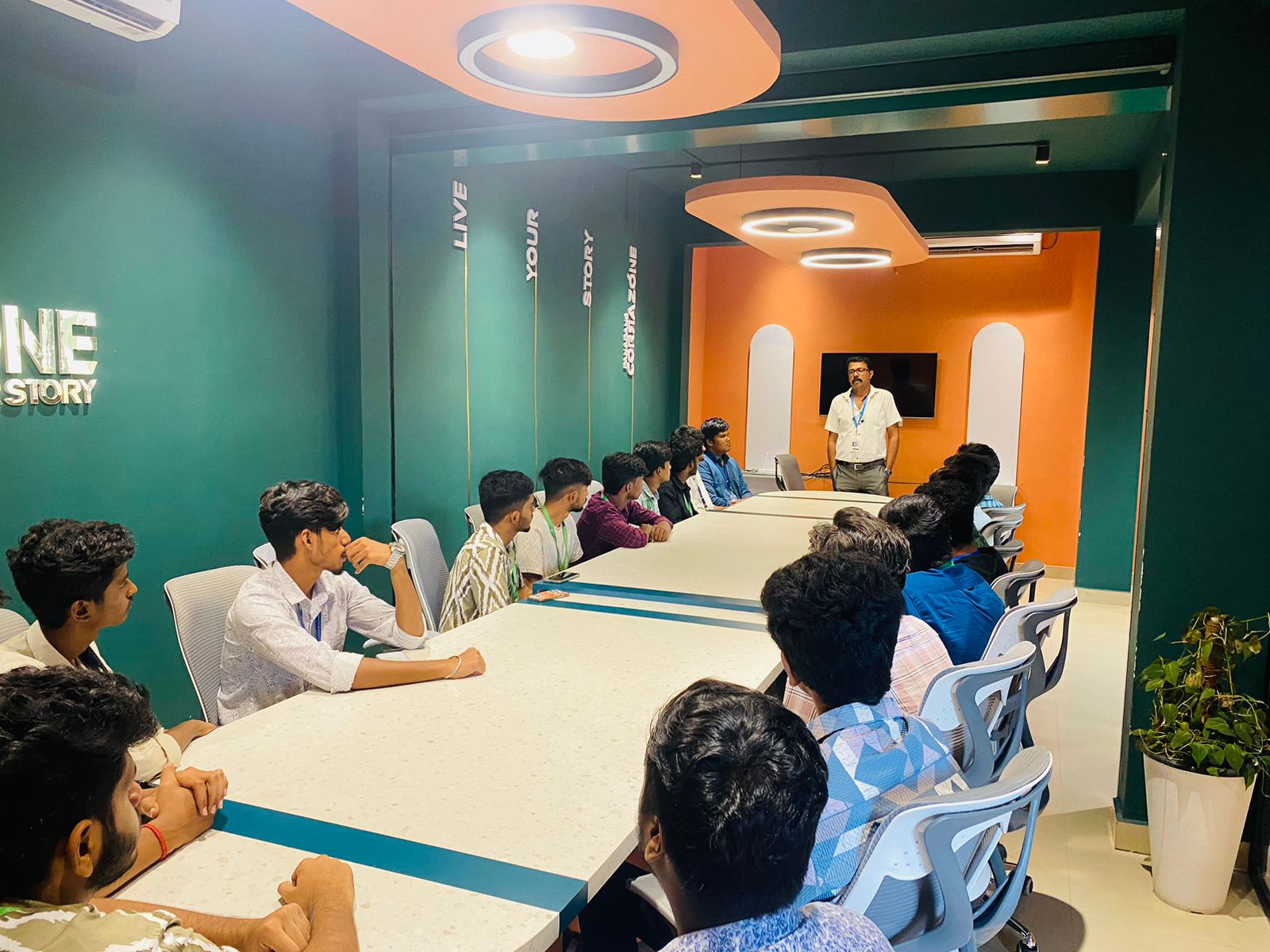
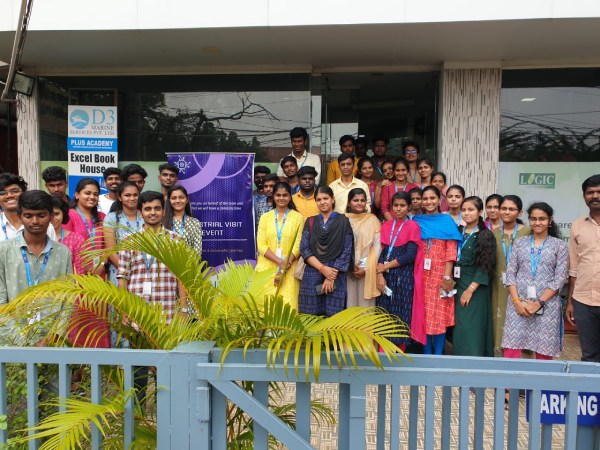
Our Training/Internship Process

Flutter - Syllabus, Fees & Duration
Module 1: Introduction
- Introduction to Flutter
Module 2: Introduction To Dart
- Reason why Dart holds the fort strong.
- Installing Visual Studio Code and the Dart Plugin.
- Installing Dart SDK.
- Writing the first Dart Program.
Module 3: Setting Up Flutter
- Downloading/Cloning the Flutter SDK.
- Installing Flutter Plugin within VS Code.
- Understanding the structure of a Flutter Project.
- Building a simple app from scratch.
Module 4: Introducing Widget
- Widgets and their role in a Flutter app.
- The MaterialApp and Scaffold widget.
- AppBar.
- FloatingActionButton.
- More widgets - Text, Center and Padding.
- Recreating the Default Flutter App (UI Only)
Module 5: Common Widget In Flutter
- Containers and their role.
- Importing images from a network.
- Importing images as assets.
- Adding icons to widgets.
- Understanding Row and Column.
- ListView and ListTile.
- Building views using ListView.builder.
- Inkwell and its importance.
Module 6: Stateless And Stateful Widgets- The Concept
- Stateless vs. Stateful widgets.
- Defining a State
- The setState() method.
- Returning to the Default Flutter App.
Module 7: Navigating Through Navigation
- Navigator and routes.
- Applying push() using MaterialPageRoute.
- Applying pop().
- Declaring parameter-less routes (push Named()) in Materia Lapp widget.
Module 8: Handling User Input
- Using Text Field.
- Handling changes to a Text Field.
- Pass retrieved values using Navigator.
Module 9: User Interface
- Applying Theme Data.
- The Basic Screen Layout.
- Applying Custom Font.
Module 10: Asynchronous Functions
- function.
- async and await
Module 11: Working With Remote Data
- The http package.
- Model Class and JSON parsing.
- Displaying Remote Data. (NEWS API).
Module 12: Local storage
- Shared Preferences.
Module 13: Using 3rd Party Packages
- The url_launcher package.
- Adding onTap() to NEWS API.
Module 14: Other Useful Widgets
- Grid View.
- The Hero Animation
- Stack
- Alert Dialog with buttons.
This syllabus is not final and can be customized as per needs/updates
- Since 2001, Making IT Experts by Experts
- Duration: 60 Hours (Vary as per your skill)
- Course Fees
- Individual Live Classes (1:1)
- Batch Classes @ Low Fees
- Training on Your Time, Any Where
- Access to Recorded Videos
- Practical Internship on Projects
- 100% Placement Support by our jobsNEAR.in
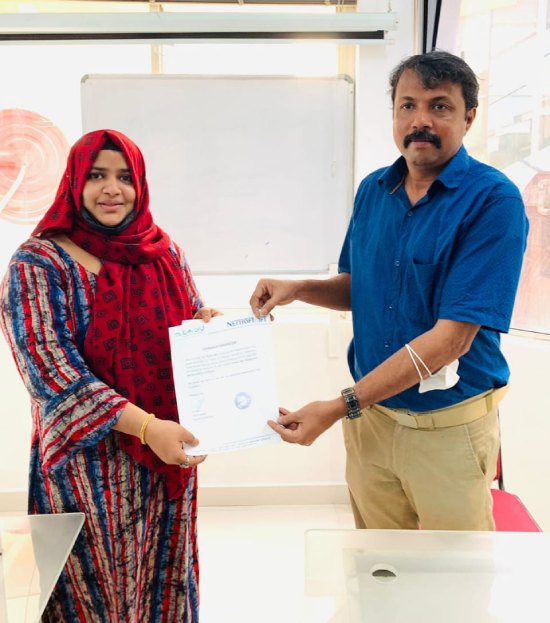
- Training/Internship Certificate
- Agra
- Ahmedabad
- Alappuzha
- Aurangabad
- Bangalore
- Belgaum
- Bellary
- Bhubaneswar
- Chennai
- Cochin
- Coimbatore
- Delhi
- Dindigul
- Erode
- Gulbarga
- Guntur
- Gurgaon
- Haryana
- Hyderabad
- Idukki
- Indore
- Jaipur
- Kalyan
- Kannur
- Kanpur
- Kasaragod
- Kerala
- Kolkata
- Kollam
- Kottayam
- Kozhikode
- Lucknow
- Madurai
- Malappuram
- Mangaluru
- Mumbai
- Mysuru
- Nagpur
- Nashik
- Navi Mumbai
- Nizamabad
- Noida
- Palakkad
- Pathanamthitta
- Pune
- Punjab
- Salem
- Shimla
- Solapur
- Surat
- Thane
- Thanjavur
- Thirunelveli
- Thoothukudi
- Thrissur
- Tiruchirappalli
- Tiruppur
- Trivandrum
- Vadodara
- Varanasi
- Vellore
- Vijayawada
- Visakhapatnam
- Wayanad
Course Highlights

Our Locations

 Some e-commerce service companies employ Flutter to provide their mobile and web apps with a consistent design in today's technology-driven society. Flutter provides wonderful aspects for creating apps with a lot of native-like sensations and, as a result, a better user experience, in addition to faster and easier code authoring. Flutter is based on the Dart programming language, which is both productive and easy to learn. Nestsoft offers the best flutter training course that teaches you how to use Flutter to create high-quality, interactive mobile apps for both iOS and robots.
Nestsoft's Google Flutter Training in Shimla will help you gain a solid understanding of this UI mobile framework so you can construct Native Cross-Platform Mobile Applications quickly. It's a method of developing an application for all operating systems on a case-by-case basis. It comes with Material Design components that make it possible to create Android apps. You'll be able to enjoy stunning widgets that are easily available now that you have your hot engine with high-performance rendering. The ability to provide developers with a tool for creating a unified user experience is its most important feature. This type of layered design allows for faster UI rendering, resulting in a large number of customizable and stunning designs.
Some e-commerce service companies employ Flutter to provide their mobile and web apps with a consistent design in today's technology-driven society. Flutter provides wonderful aspects for creating apps with a lot of native-like sensations and, as a result, a better user experience, in addition to faster and easier code authoring. Flutter is based on the Dart programming language, which is both productive and easy to learn. Nestsoft offers the best flutter training course that teaches you how to use Flutter to create high-quality, interactive mobile apps for both iOS and robots.
Nestsoft's Google Flutter Training in Shimla will help you gain a solid understanding of this UI mobile framework so you can construct Native Cross-Platform Mobile Applications quickly. It's a method of developing an application for all operating systems on a case-by-case basis. It comes with Material Design components that make it possible to create Android apps. You'll be able to enjoy stunning widgets that are easily available now that you have your hot engine with high-performance rendering. The ability to provide developers with a tool for creating a unified user experience is its most important feature. This type of layered design allows for faster UI rendering, resulting in a large number of customizable and stunning designs.