Send enquiry ⏎

MongoDB Online Live Class by Experts

Our Training/Internship Process

MongoDB Online Live Classes in Kottayam | Free Demo Training

MongoDB - Syllabus, Fees & Duration

Module 1: Introduction to NoSQL

  • What Is NoSQL?
  • Why NoSQL databases are required
  • Types of NoSQL Database
  • NoSQL vs SQL Comparison
  • ACID & BASE Property
  • CAP Theorem
  • Benefits of NoSQL databases
  • Installation
  • Start and Stop the MongoDB process

Module 2: MongoDB Architecture

  • Document, Collection, Databases
  • JSON and BSON
  • Storage Engines
  • Read Path
  • Journaling
  • Write Path
  • Working Set
  • Capped Collection
  • Oplog collection
  • TTL Index
  • GridFS

Module 3: CRUD Operations

  • MongoDB Data Types
  • Inserting, Update, Deleting the documents
  • Querying the documents
  • Bulk insert operation
  • Updating multiple document
  • Limiting documents
  • Filtering documents

Module 4: Schema Design and Data modeling

  • Dynamic Schema
  • What is Data modeling?
  • RDBMS and MongoDB Data modeling difference
  • Embedding Document
  • Reference Document

Module 5: Indexes

  • Index concepts in MongoDB
  • Types of indexes
  • Indexes and its use cases
  • Creating Indexes
  • Managing Indexes
  • Index strategies

Module 6: Database Administration in MongoDB

  • Database status
  • Troubleshooting issues
  • Current Operations
  • Rotating log files
  • Users and Roles
  • Copy and Clone database
  • DB and Collection Stats
  • Explain plan
  • Profiling
  • Changing configuration files
  • Upgrading the database

Module 7: MongoDB: Backup and Security

  • Concept of backups
  • mongoexport/mongoimport
  • mongodump/mongorestore
  • Oplog backups
  • LVM Backups
  • Backups using MMS/Ops Manager
  • Purpose of security
  • Authentication and authorization
  • Role based access control

Module 8: Replication in MongoDB

  • Concept of replication
  • ReplicaSet member roles
  • Voting and Electing primary
  • Role of Oplog in replication
  • Read and Write Concern
  • Arbiter,Hidden and Delayed replica node
  • Priority settings
  • Replicaset nodes health check
  • Concept of resyncing the nodes
  • Rollbacks during failover
  • Keyfile authentication

Module 9: MongoDB Scalability

  • Concept of Scalability
  • Sharding concept
  • Shardkey and Chunks
  • Choosing shardkey
  • Sharding components
  • Types of Sharding
  • Balanced data distribution
  • Sharded and Non-sharded collection
  • Sharded Replicaset
  • Tag aware sharding

Module 10: MongoDB Monitoring and Other Tools

  • MMS Manager
  • Ops Manager
  • Mongo utility commands
  • Mongo developer tools
  • MongoDB Atlas
  • MongoDB client drivers

Download Syllabus - MongoDB
This syllabus is not final and can be customized as per needs/updates
   
10000+
20+
50+
25+

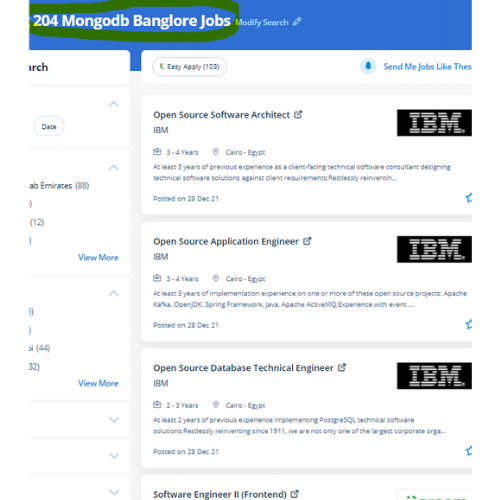
MongoDB Jobs in Kottayam

Enjoy the demand

Find jobs related to MongoDB in search engines (Google, Bing, Yahoo) and recruitment websites (monsterindia, placementindia, naukri, jobshybrid.com, indeed.co.in, shine.com etc.) based in Kottayam, chennai and europe countries. You can find many jobs for freshers related to the job positions in Kottayam.

  • Full Stack Developer
  • Databases Specialist
  • Database Admin
  • Consulting Engineer
  • Database Engineer
  • MongoDB Engineer
  • Database Administrator
  • Technology Engineer
  • Consulting Engineer
  • MongoDB Trainer

MongoDB Internship/Course Details

MongoDB internship jobs in Kottayam
MongoDB MongoDB could be a collection of documents, it contains a group of key-value pairs. Complete, updated list. It provides high performance, high accessibility, and automatic scaling to provide effective assortment Operations. key-value pairs. the globe is on the brink of an information overload, and large databases are required to store and manipulate this information. this will be possible with MongoDB, which can be as versatile because it's powerful. The CRUD operations are related to many further choices. e. MongoDB might be a document-based, distributed database designed for modern application developers. All the information is kept in JSON format, i.

Meet a Few of our Industry Experts 🚀 Your Pathway to IT Career

Ankita

Mobile: +91 91884 77559
Location: Online (Kottayam, India)
Qualification: M E

Experience: Selenium testing functional testing regression testing core java jira  more..

Sanjana

Mobile: +91 89210 61945
Location: Online (Kottayam, India)
Qualification: Msc computer science

Experience: Functional testing design testing data base testing mobile application tetsing regression testing web application testing basic automation tetong jira load  more..

Murali

Mobile: +91 94975 90866
Location: Online (Kottayam, India)
Qualification: Bsc computer science

Experience: Fresher Web design i know   more..

Apeksha

Mobile: +91 91884 77559
Location: Online (Kottayam, India)
Qualification: B.E(computer engineering)

Experience: My name is Apeksha and I am currently passout from Savitribai phule University pune I have done my bachelor's degree  more..

Kamlesh

Mobile: +91 94975 90866
Location: Online (Kottayam, India)
Qualification: B.Sc

Experience: Computer web design YouTube channel ms office excel PowerPoint etc  more..

sravan

Mobile: +91 91884 77559
Location: Online (Kottayam, India)
Qualification: mtech cse

Experience: laravel developer with 3years expe |   more..

Smrithiraj

Mobile: +91 91884 77559
Location: Online (Kottayam, India)
Qualification: MCA

Experience: Angular php  more..

Abhishek

Mobile: +91 89210 61945
Location: Online (Kottayam, India)
Qualification: Master in Computer Application

Experience: Linux dot net Aws devops python problem solving critical thinking extrovert time management information gathering  more..

Abhishek

Mobile: +91 8301010866
Location: Online (Kottayam, India)
Qualification: BCA

Experience: C++ programming Html Css SQL Udemy Certified AWS Cloud practitioner   more..

Dinesh

Mobile: +91 8301010866
Location: Online (Kottayam, India)
Qualification: Bca

Experience: Software testing or6months experience  more..

Soja

Mobile: +91 9895490866
Location: Online (Kottayam, India)
Qualification: Btech

Experience: Software testing  more..

SAVITA

Mobile: +91 98474 90866
Location: Online (Kottayam, India)
Qualification: Be

Experience: I have 1 year experience in PHP developer   more..

Ankul

Mobile: +91 94975 90866
Location: Online (Kottayam, India)
Qualification: B.Tech

Experience: Java python c language embedded system IoT microcontroller Web development   more..

Praveen

Mobile: +91 94975 90866
Location: Online (Kottayam, India)
Qualification: Final year BBA, Digital marketing Executive

Experience: Working for two companies (Vedic Flavors Al- thahbya events Dubai) and 7month experience in Google Ads Campaigns and Website development  more..

AKash

Mobile: +91 9895490866
Location: Online (Kottayam, India)
Qualification: B.Tech in CSE-AI/ML

Experience: I am Akash Meruva currently pursuing a Computer Science degree at SRM University AP I am specialized in the exciting  more..

Abilasha

Mobile: +91 98474 90866
Location: Online (Kottayam, India)
Qualification: Advanced diploma in animation and film making

Experience: Skills: Graphic designing illustration 3D modelling drawing logo design character modeling character design poster design video editing Ui design Experience:  more..

Mukul

Mobile: +91 9895490866
Location: Online (Kottayam, India)
Qualification: B-Tech(Civil engineering)

Experience: I joined an online platform sharpener tech on 9 3 23 and learned skills such as React js JavaScript Html  more..

Thejaswarreddy

Mobile: +91 94975 90866
Location: Online (Kottayam, India)
Qualification: degree

Experience: Striving Digital Marketing excutive bringing 2+ years of experience in creating on-brand marketing content managing online campaigns SEO and Analytics  more..

Anandkrishnan

Mobile: +91 89210 61945
Location: Online (Kottayam, India)
Qualification: B tech

Experience: Manual and automation testing   more..

Anusha

Mobile: +91 91884 77559
Location: Online (Kottayam, India)
Qualification: M.E

Experience: I'm Anusha a content designer with a passion for learning Over the past one and a half years I've been  more..

Rakesh

Mobile: +91 8301010866
Location: Online (Kottayam, India)
Qualification: Diploma

Experience: Manual testing functional testing integration testing system testing black box testing java SQL selenium testNG GitHub Jenkins api sdlc   more..

Abdul

Mobile: +91 98474 90866
Location: Online (Kottayam, India)
Qualification: BTech(CSE)

Experience: I have recently completed my degree in B Tech from Moradabad institute of technology Throughout my academic journey I have  more..

Abhinav

Mobile: +91 91884 77559
Location: Online (Kottayam, India)
Qualification: Btech

Experience: A backend developer with following tech stack 1 Java 2 SpringBoot 3 SQL 4 JavaScript DOM 5 HTML 6 CSS  more..

Varghese

Mobile: +91 94975 90866
Location: Online (Kottayam, India)
Qualification: BCA

Experience: My name is Varghese Elias an Aspiring Software Engineer seeking challenging openings in the field of Full stack web development  more..

Success Stories

The enviable salary packages and track record of our previous students are the proof of our excellence. Please go through our students' reviews about our training methods and faculty and compare it to the recorded video classes that most of the other institutes offer. See for yourself how TechnoMaster is truly unique.

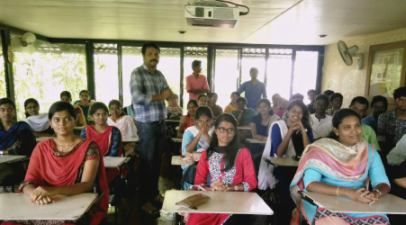
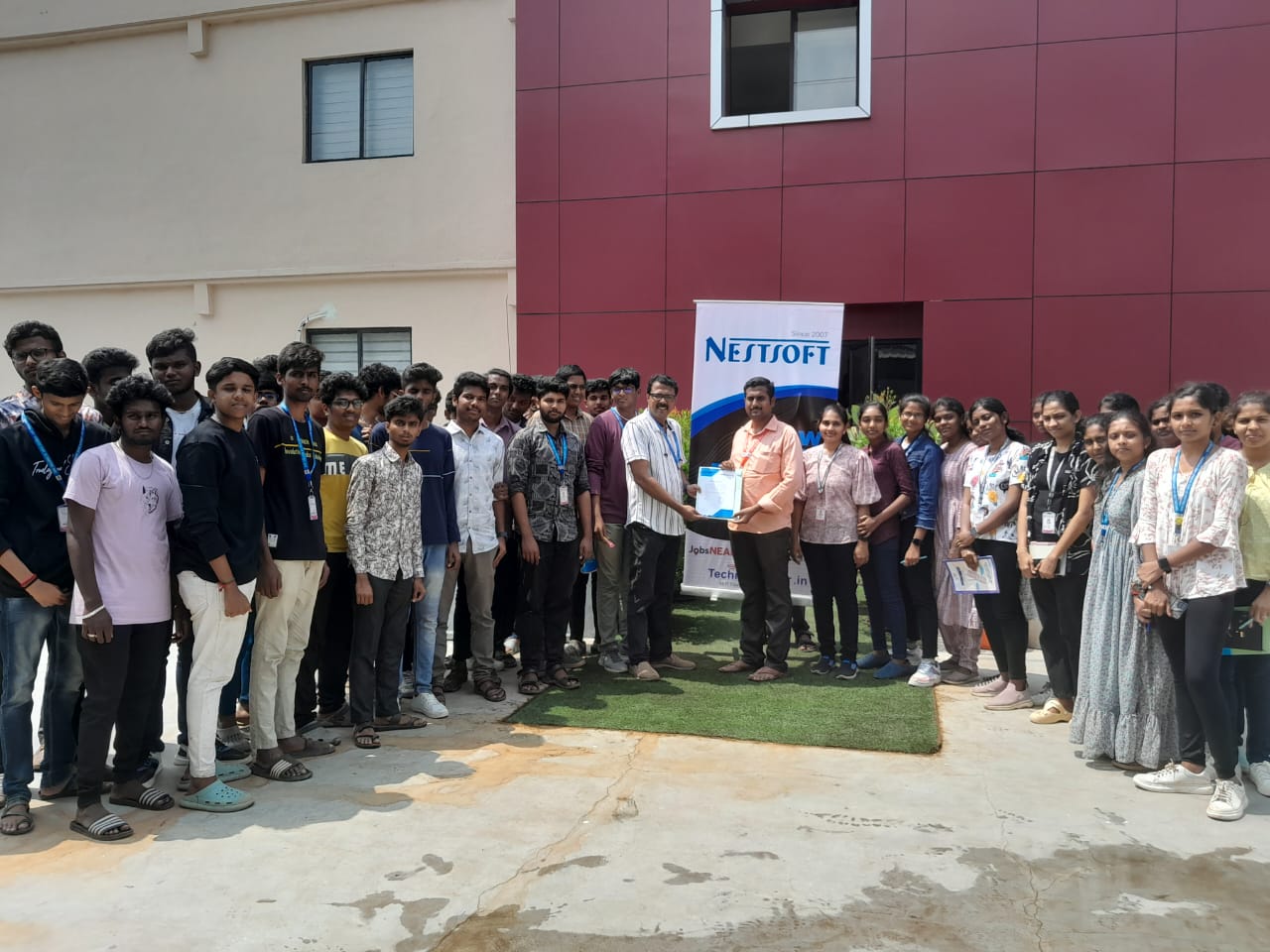
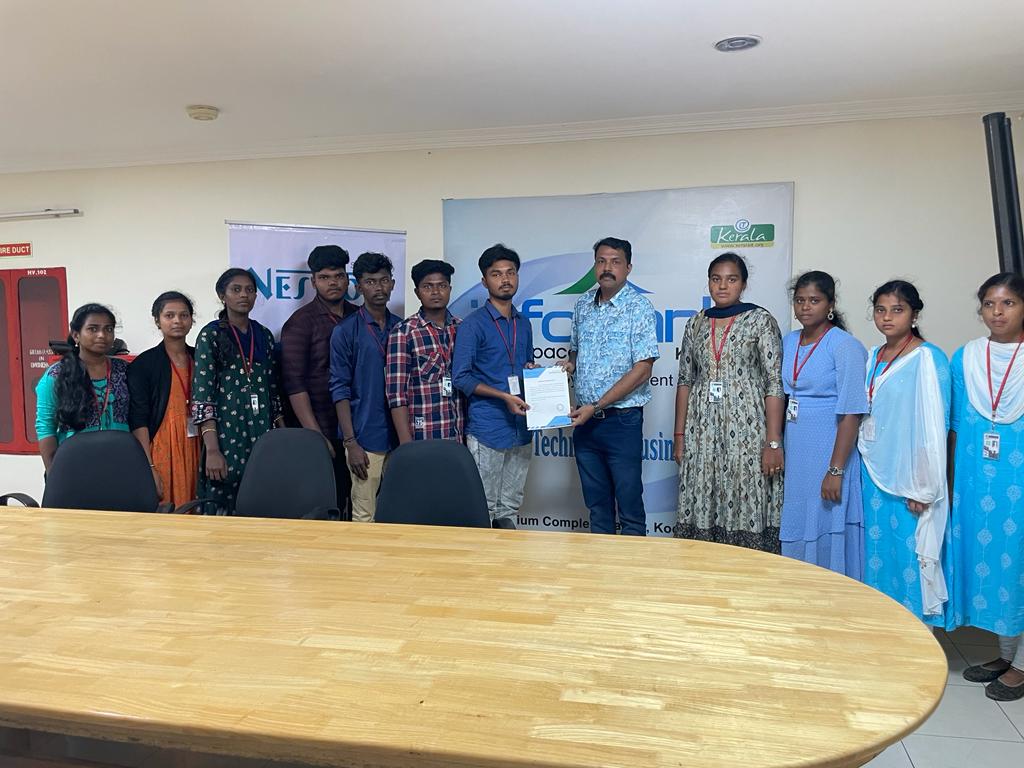
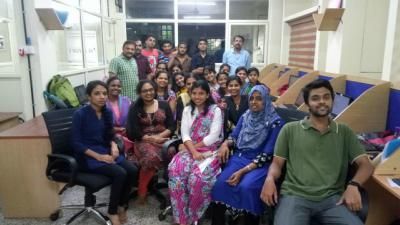
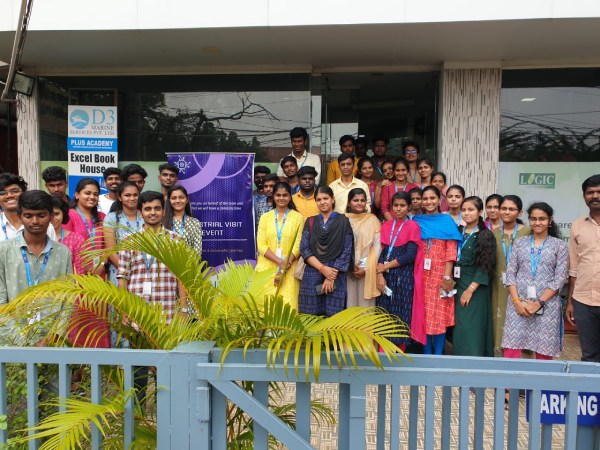
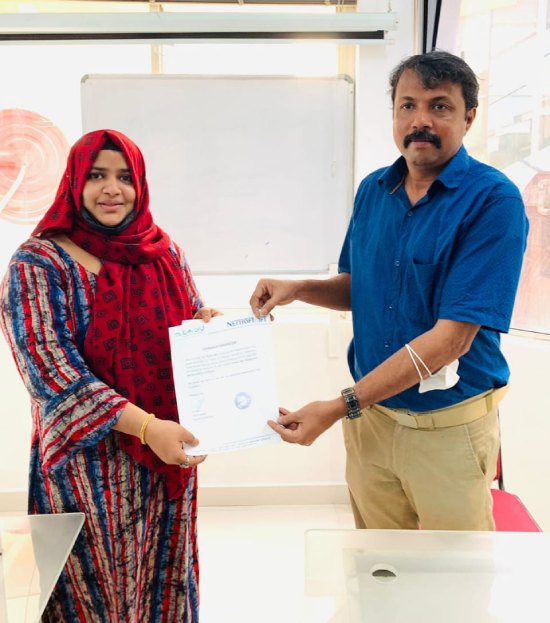
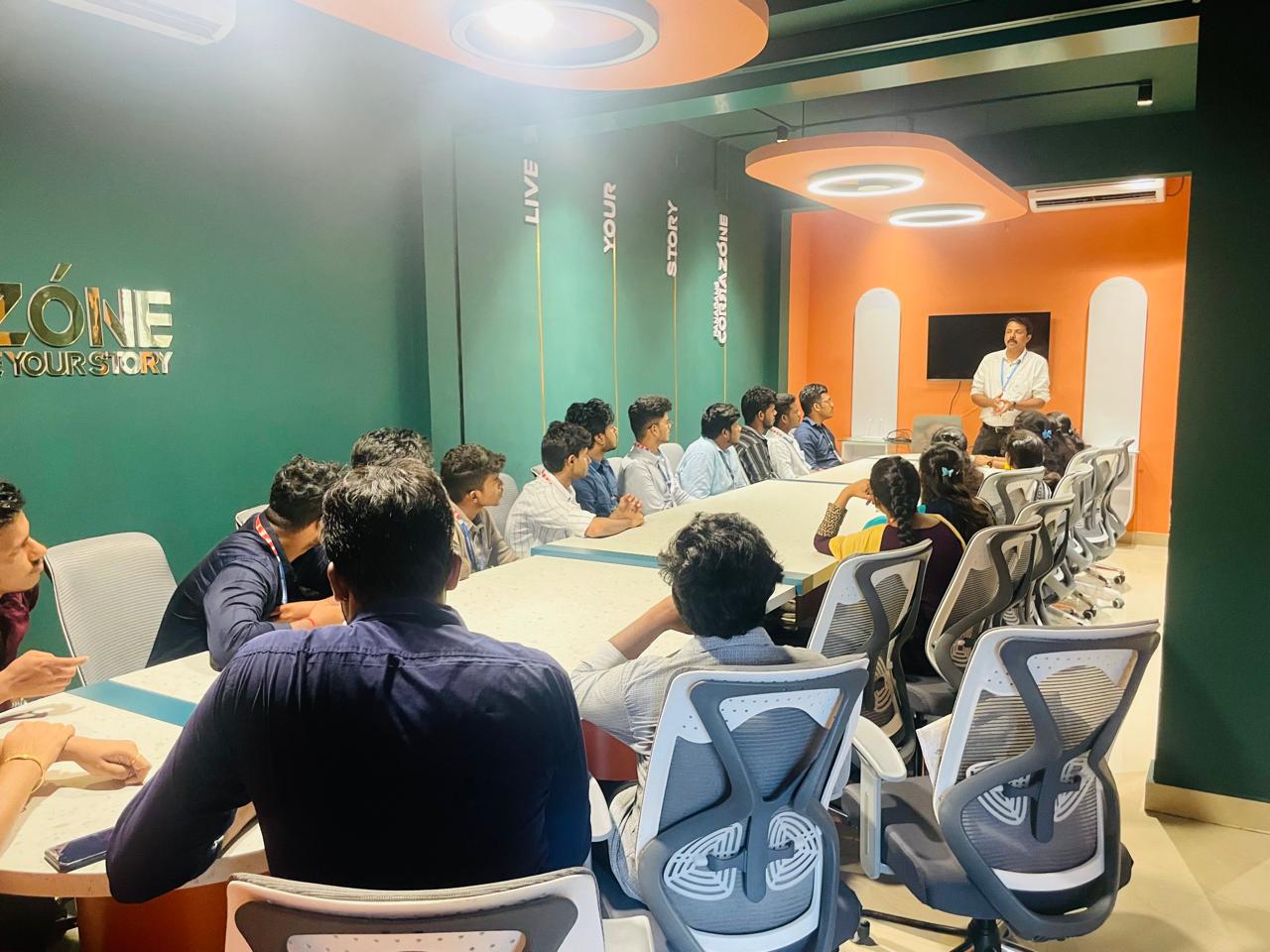
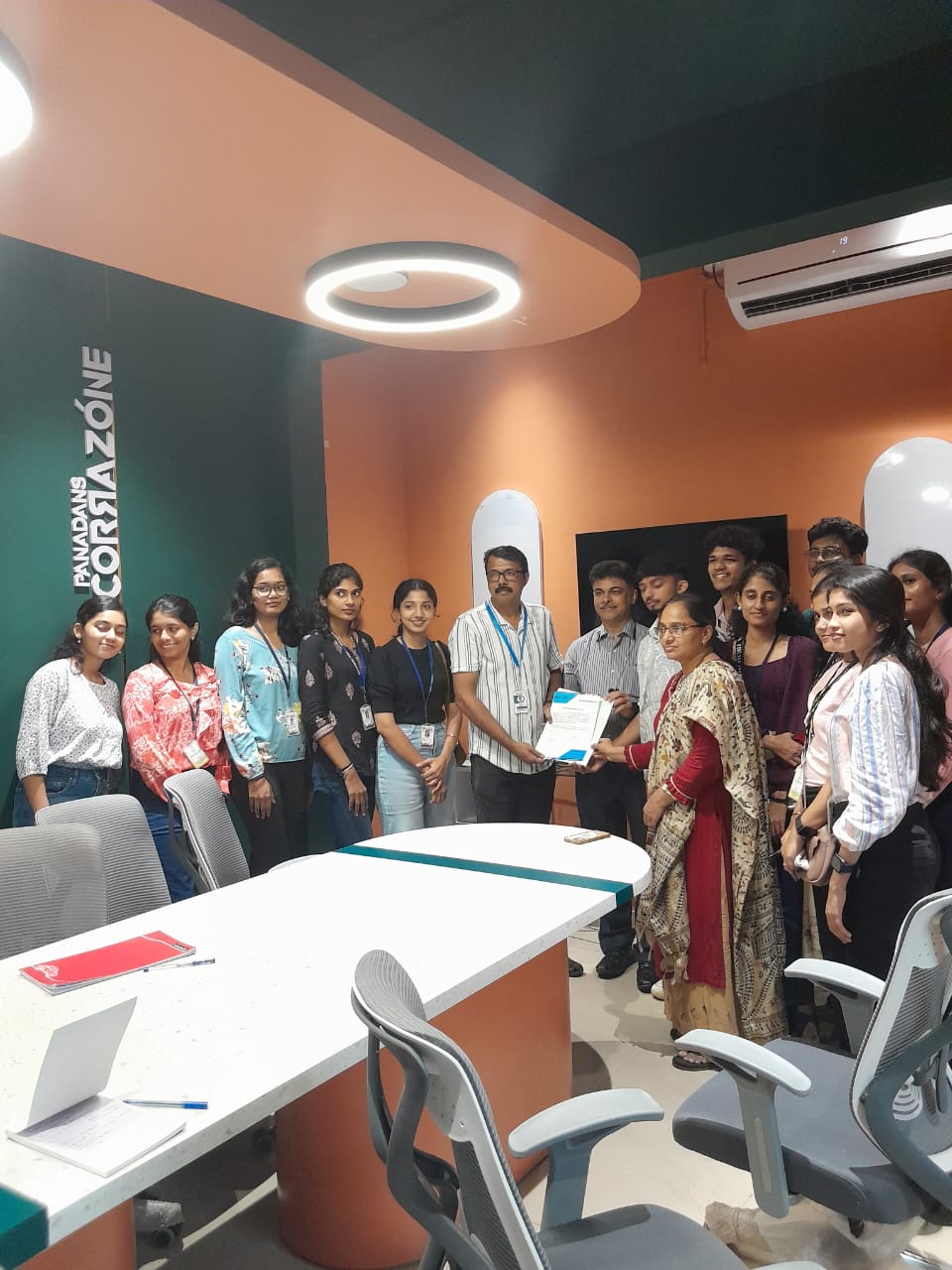
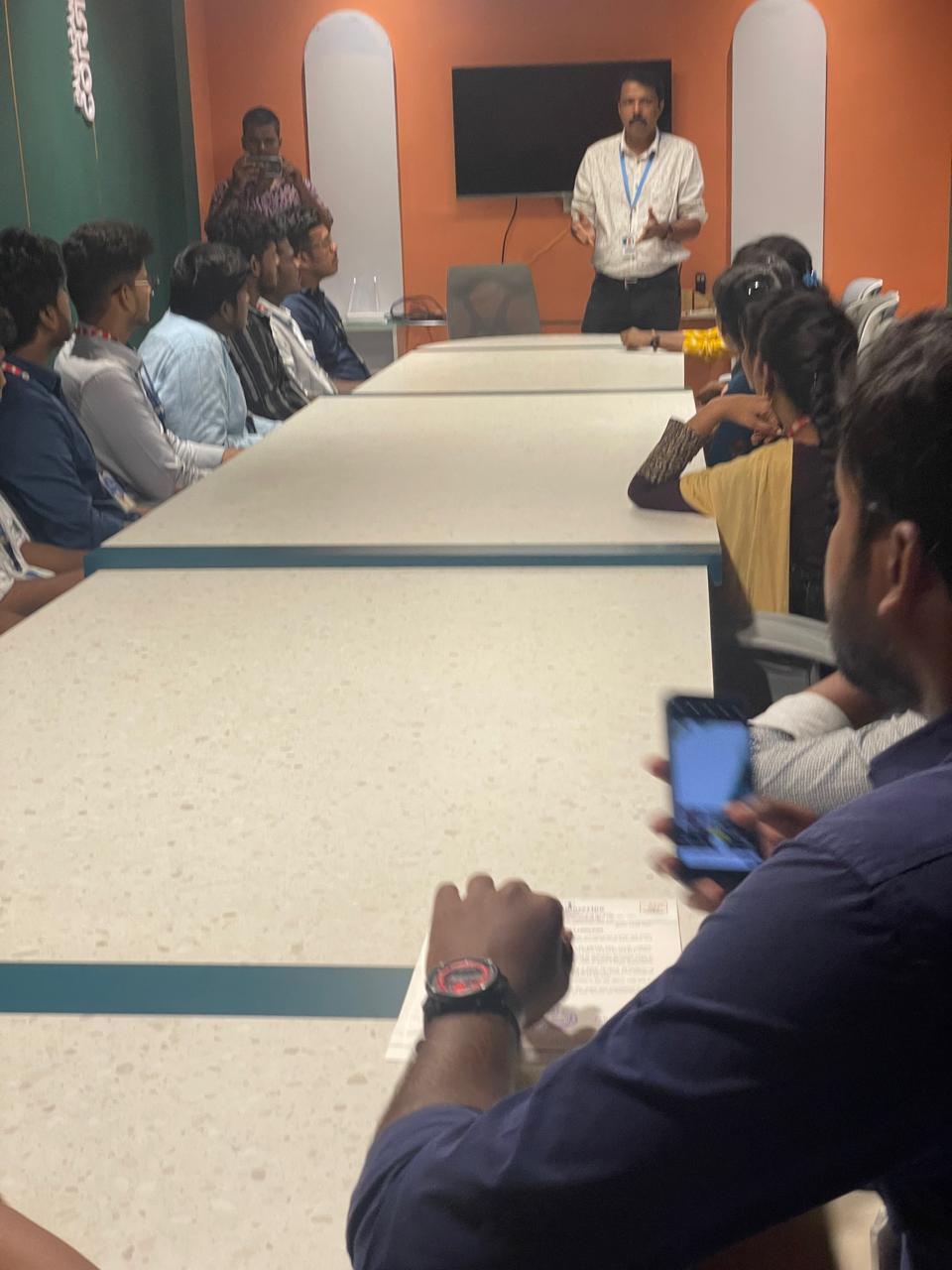
Photos of Training / Internships

Internship/projects in kottayam

Trained more than 10000+ students who trust Nestsoft TechnoMaster

Get Your Personal Trainer