Sql Online Live Class by Experts
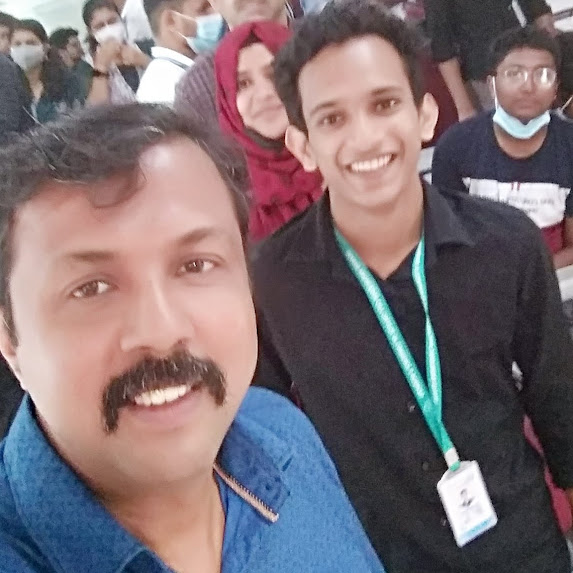
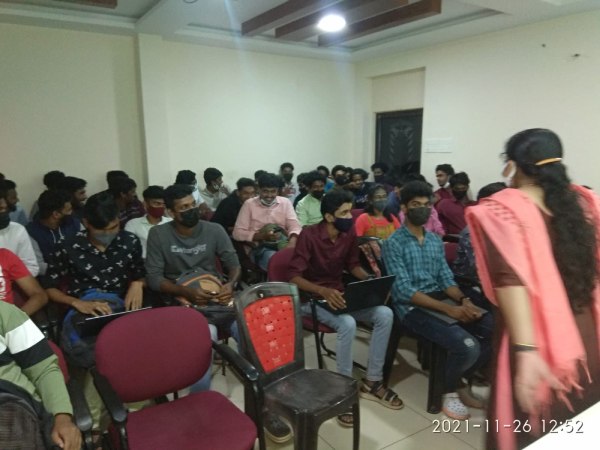
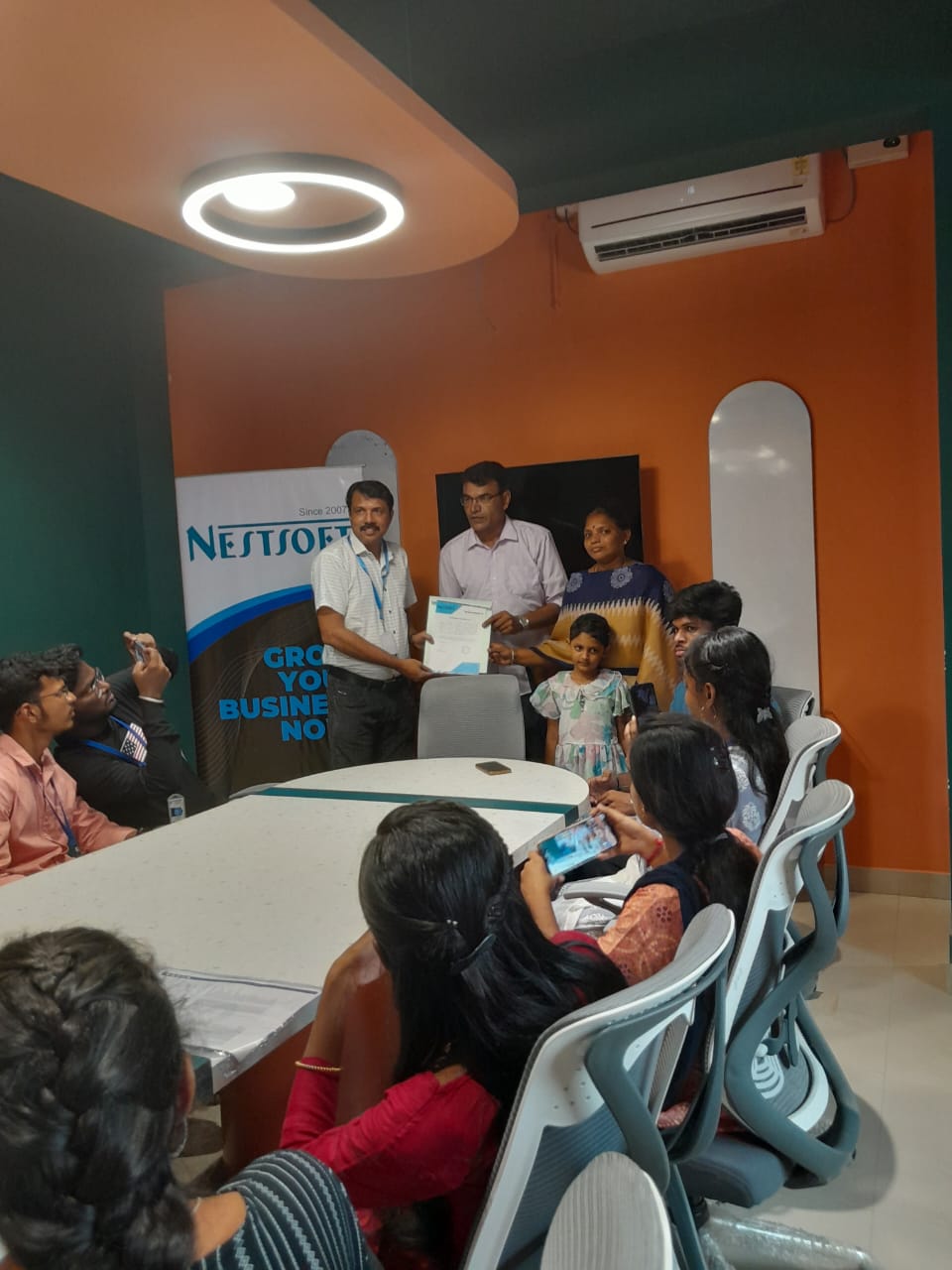
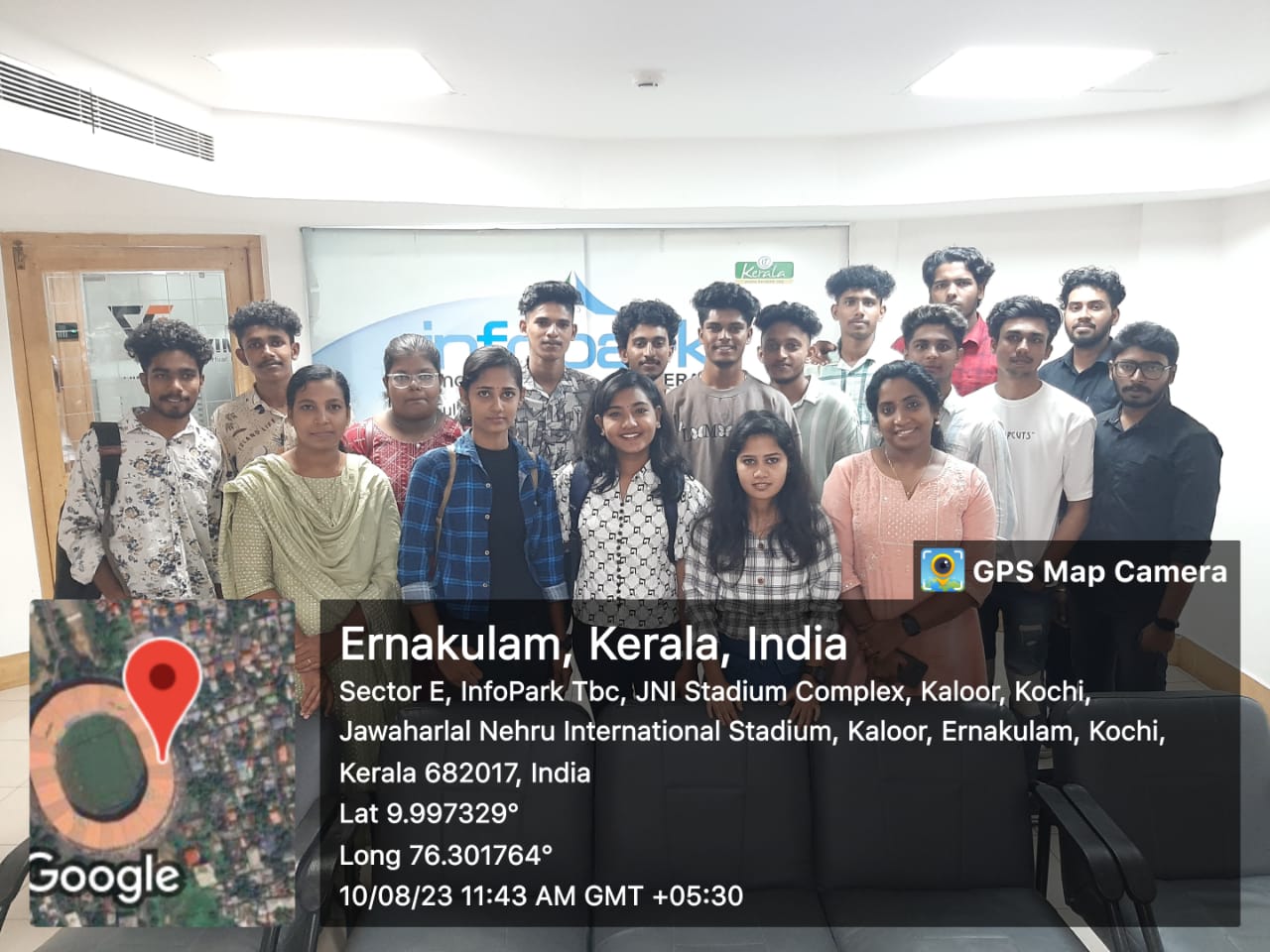
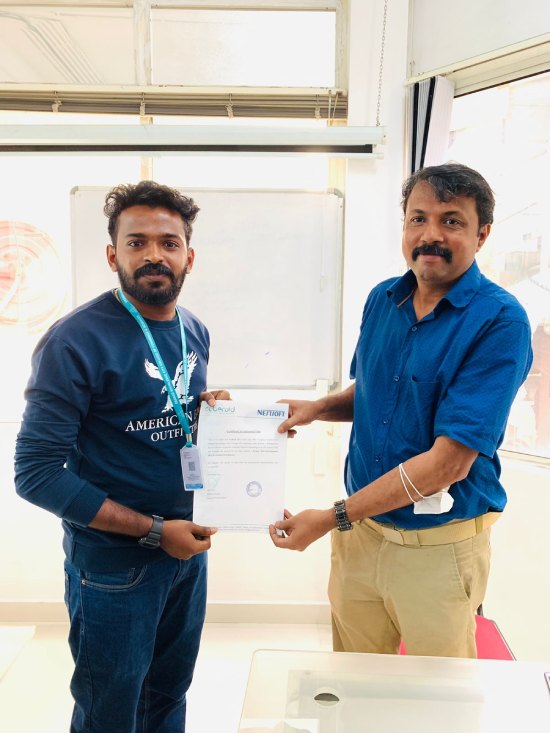
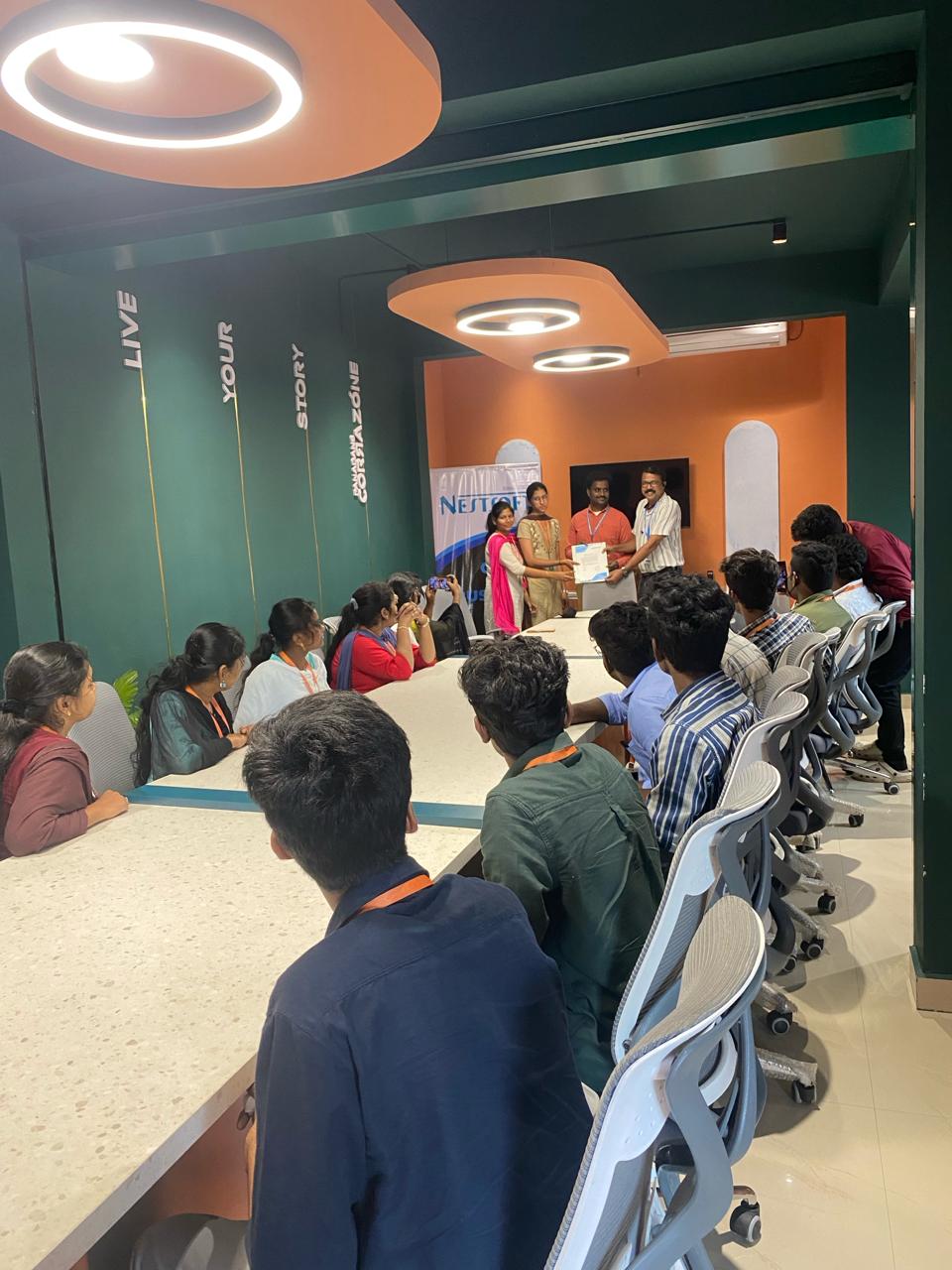
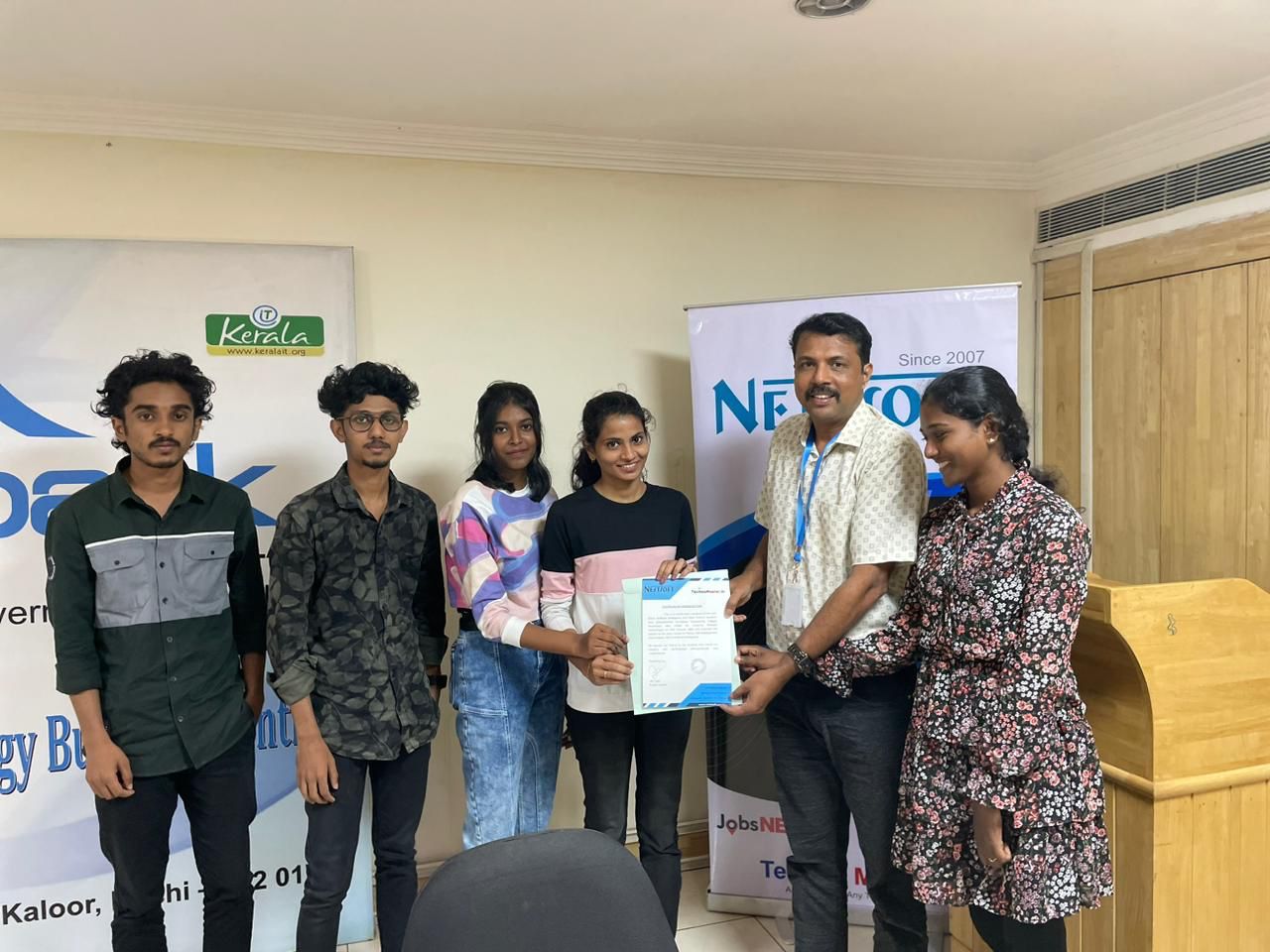
Our Training/Internship Process

Sql - Syllabus, Fees & Duration
Module 1: Introduction to Databases and SQL
- Introduction to databases and their importance
- Types of databases: Relational, NoSQL, etc.
- History and purpose of SQL
- Basic SQL terminology (tables, rows, columns, etc.)
- Installing database management systems (e.g., MySQL, PostgreSQL) Installing SQL clients (e.g., MySQL Workbench, pgAdmin)
- Common data types (e.g., INT, VARCHAR, DATE)
- Choosing the right data type for columns
- Creating tables using CREATE TABLE
- Altering tables using ALTER TABLE
- Deleting tables using DROP TABLE
- INSERT, UPDATE, and DELETE statements
- Understanding SQL transactions
- Retrieving data from tables
- Using SELECT DISTINCT and aliases
- WHERE clause for filtering ORDER BY clause for sorting
- SUM, AVG, COUNT, MIN, MAX
- GROUP BY and HAVING clauses
- Primary keys and foreign keys
- Types of relationships: one-to-one, one-to-many, many-to-many
- Joining tables to retrieve related data
- LEFT JOIN, RIGHT JOIN, FULL JOIN
- Using subqueries to retrieve data
- Correlated subqueries
- Creating and managing indexes
- Query optimization techniques
- Creating and using views
- Advantages of using views
- Creating and executing stored procedures
- Creating and executing user-defined functions
- ACID properties
- Managing transactions using COMMIT and ROLLBACK
- Understanding locks and their types
- Handling concurrent database access
- Creating and managing user accounts
- Granting and revoking privileges
- Protecting against SQL injection attacks
- Best practices for secure coding
- Developing a simple web application with a database backend
- Entity-Relationship Diagrams (ERD)
- Normalization techniques
- Using SQL for generating reports
- Integration with reporting tools like Tableau, Power BI, etc.
- Overview of popular NoSQL databases (e.g., MongoDB, Cassandra)
- Basics of working with large datasets
- Understanding window functions for advanced querying
- Working with JSON and XML data in SQL
What is a Database?
Introduction to SQL
Setting Up SQL Environment
Module 2: SQL Basics
SQL Data Types
Creating and Managing Tables
Inserting and Manipulating Data
Module 3: Querying Data
SELECT Statement
Filtering and Sorting Data
Aggregate Functions
Module 4: Joins and Relationships
Understanding Relationships
INNER JOIN and OUTER JOIN
Subqueries
Module 5: Advanced SQL Concepts
Indexes and Performance Optimization
Views
Stored Procedures and Functions
Module 6: Transactions and Concurrency
Transactions
Locking and Concurrency Control
Module 7: Security and Permissions
User Accounts and Permissions
SQL Injection Prevention
Module 8: Case Studies and Real-world Applications
Building SQL Applications
Data Modeling
Module 9: Reporting and Business Intelligence (Optional)
Introduction to Reporting Tools
Module 10: NoSQL and Big Data (Optional)
Introduction to NoSQL databases
SQL in the context of Big Data
Module 11: Advanced Topics (Optional)
Window Functions
JSON and XML Processing
This syllabus is not final and can be customized as per needs/updates
- Since 2001, Making IT Experts by Experts
- Duration: 20 Hours (Vary as per your skill)
- Course Fees
- Individual Live Classes (1:1)
- Batch Classes @ Low Fees
- Training on Your Time, Any Where
- Access to Recorded Videos
- Practical Internship on Projects
- 100% Placement Support by our jobsNEAR.in
- Training/Internship Certificate
- Agra
- Ahmedabad
- Alappuzha
- Aurangabad
- Bangalore
- Belgaum
- Bellary
- Bhubaneswar
- Chennai
- Cochin
- Coimbatore
- Delhi
- Dindigul
- Erode
- Gulbarga
- Guntur
- Gurgaon
- Haryana
- Hyderabad
- Idukki
- Indore
- Jaipur
- Kalyan
- Kannur
- Kanpur
- Kasaragod
- Kerala
- Kolkata
- Kollam
- Kottayam
- Kozhikode
- Lucknow
- Madurai
- Malappuram
- Mangaluru
- Mumbai
- Mysuru
- Nagpur
- Nashik
- Navi Mumbai
- Nizamabad
- Noida
- Palakkad
- Pathanamthitta
- Pune
- Punjab
- Salem
- Shimla
- Solapur
- Surat
- Thane
- Thanjavur
- Thirunelveli
- Thoothukudi
- Thrissur
- Tiruchirappalli
- Tiruppur
- Trivandrum
- Vadodara
- Varanasi
- Vellore
- Vijayawada
- Visakhapatnam
- Wayanad
Course Highlights

Our Locations

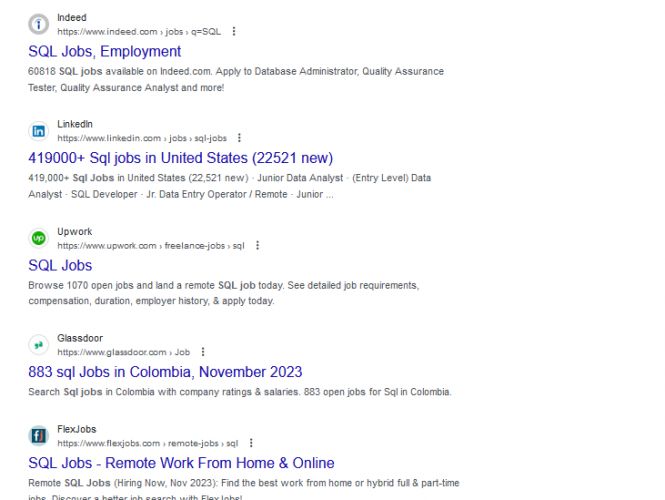
 A comprehensive SQL training syllabus should cover the fundamentals of SQL (Structured Query Language) and gradually progress to more advanced topics. . Additionally, hands-on practice and real-world projects should be integrated throughout the training to reinforce the concepts learned. Here's a suggested syllabus for SQL training, divided into different modules:
This syllabus is designed to provide a comprehensive understanding of SQL, from the basics to more advanced topics. You can learn sql from industry experts in Kolkata. We provide sql training and internship in Kolkata in real time projects. Depending on the level of expertise required and the time available for training, you can customize the syllabus to fit your specific needs.
A comprehensive SQL training syllabus should cover the fundamentals of SQL (Structured Query Language) and gradually progress to more advanced topics. . Additionally, hands-on practice and real-world projects should be integrated throughout the training to reinforce the concepts learned. Here's a suggested syllabus for SQL training, divided into different modules:
This syllabus is designed to provide a comprehensive understanding of SQL, from the basics to more advanced topics. You can learn sql from industry experts in Kolkata. We provide sql training and internship in Kolkata in real time projects. Depending on the level of expertise required and the time available for training, you can customize the syllabus to fit your specific needs.